Ask your agent for an app, then share it with anyone
Now you can securely share the apps your agent builds. Send them to your team, your clients or anyone with a link. They’re live, hosted for you and backed by real data. Your agent builds them and can update them whenever you ask.
Ask for what you need, like an internal tool, a real-time dashboard, even a game, or anything else you wish you had. Your agent builds it on the tools and data you give it.
Real apps your team and clients can use
Each of these apps is fully hosted and has its own database, and each one started as a request like the one below. Open any of them to try it.
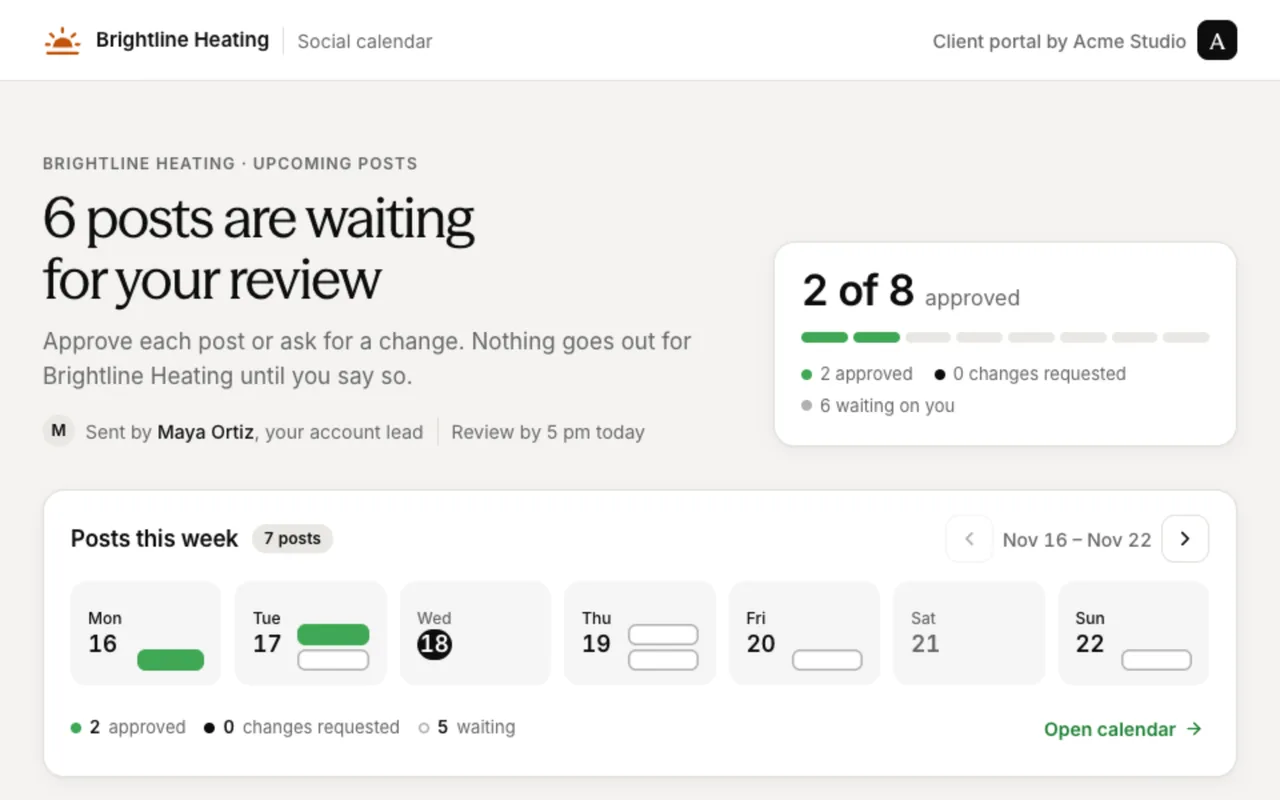
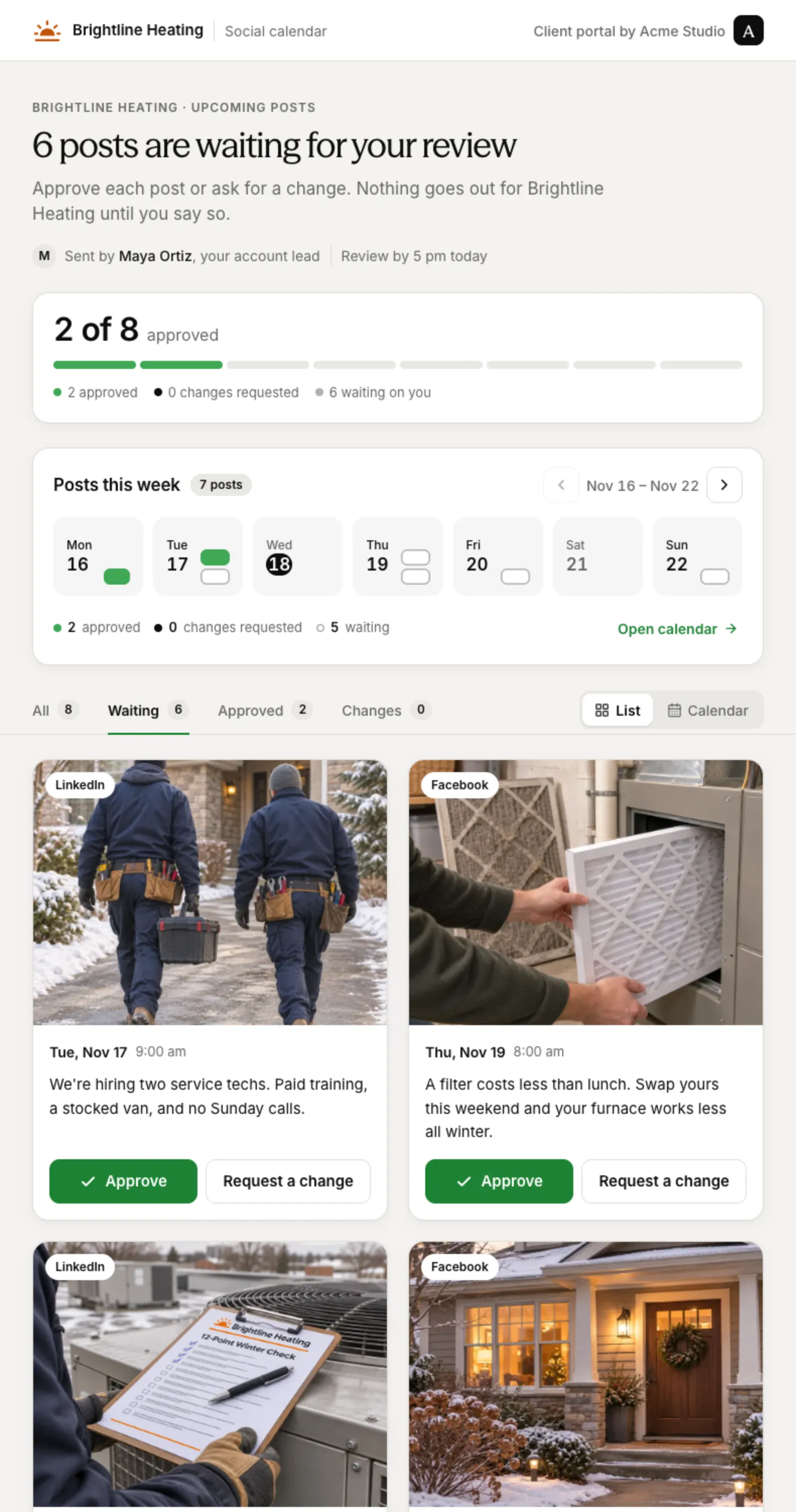
 Theo · Social Media Manager
“Build a portal where my client can review this month’s posts.”
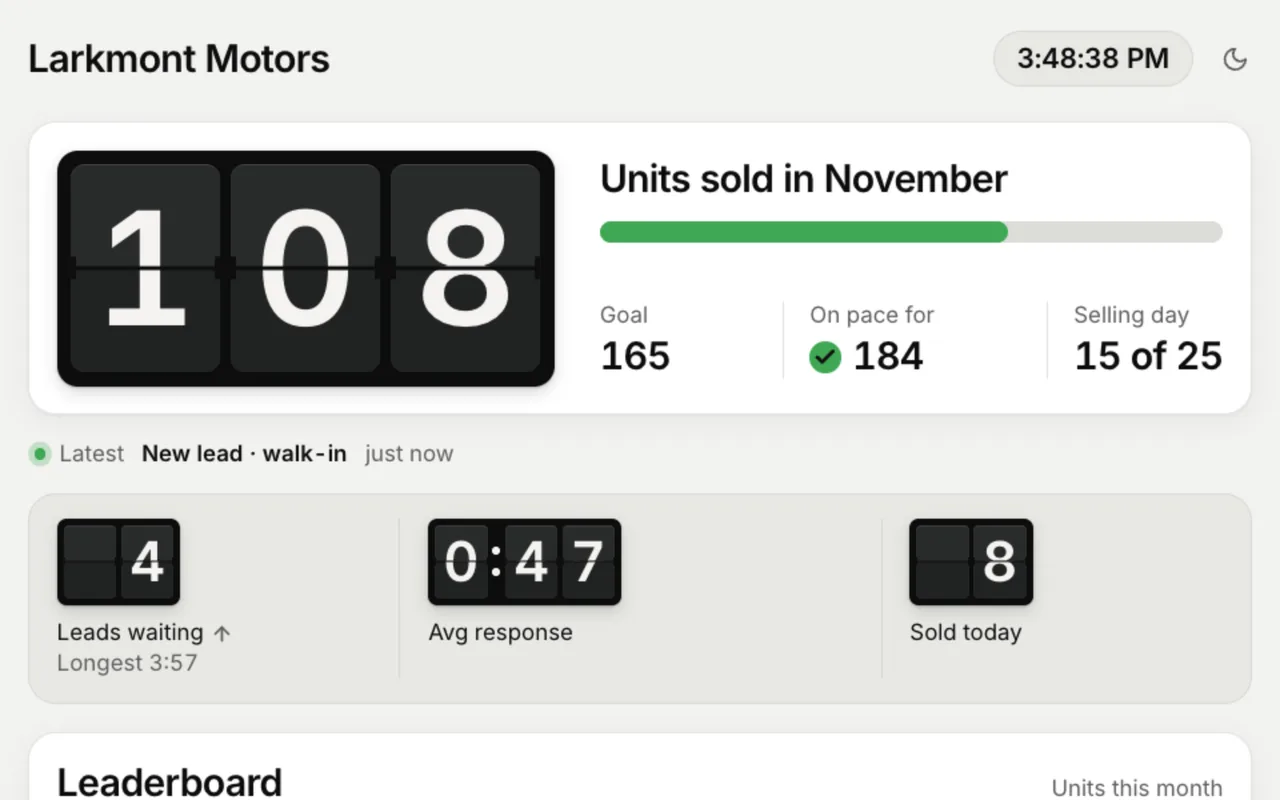
 Remy · Sales Ops
“Build a live sales board to replace our dealership’s whiteboard.”
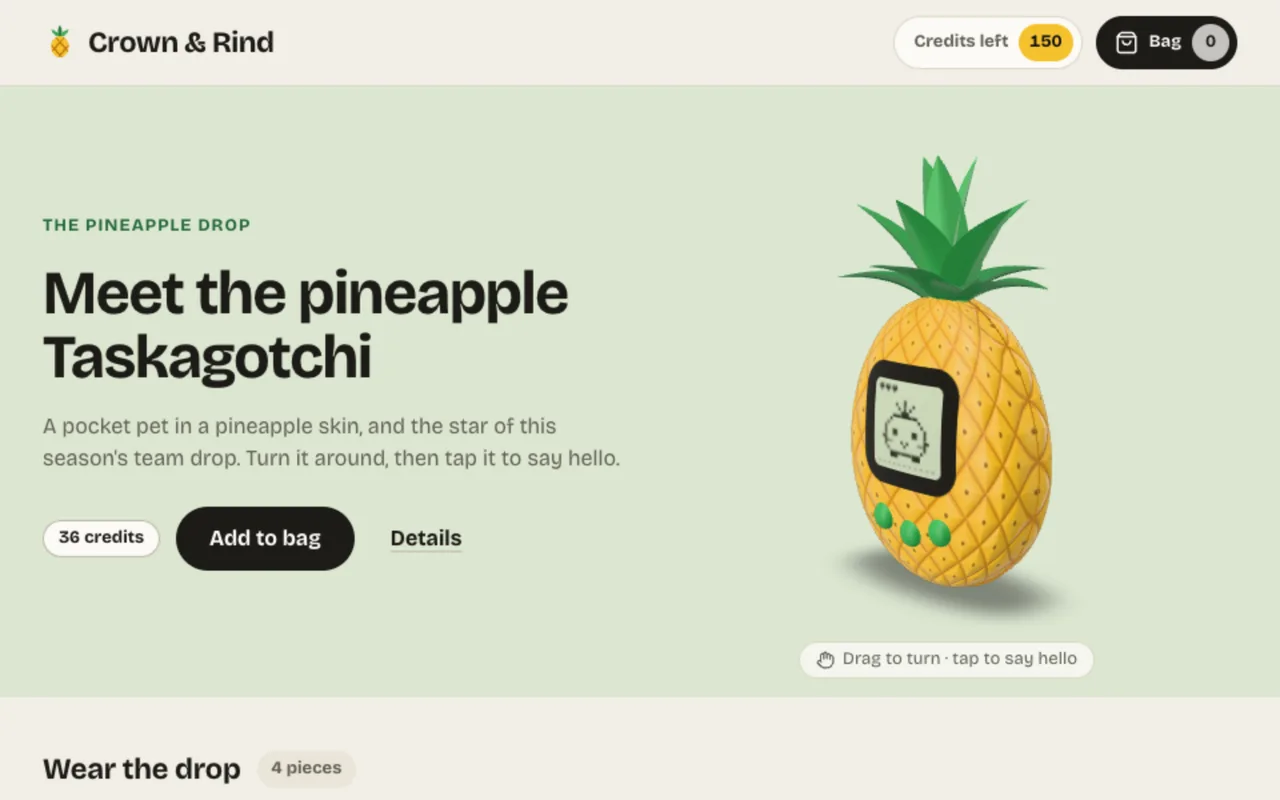
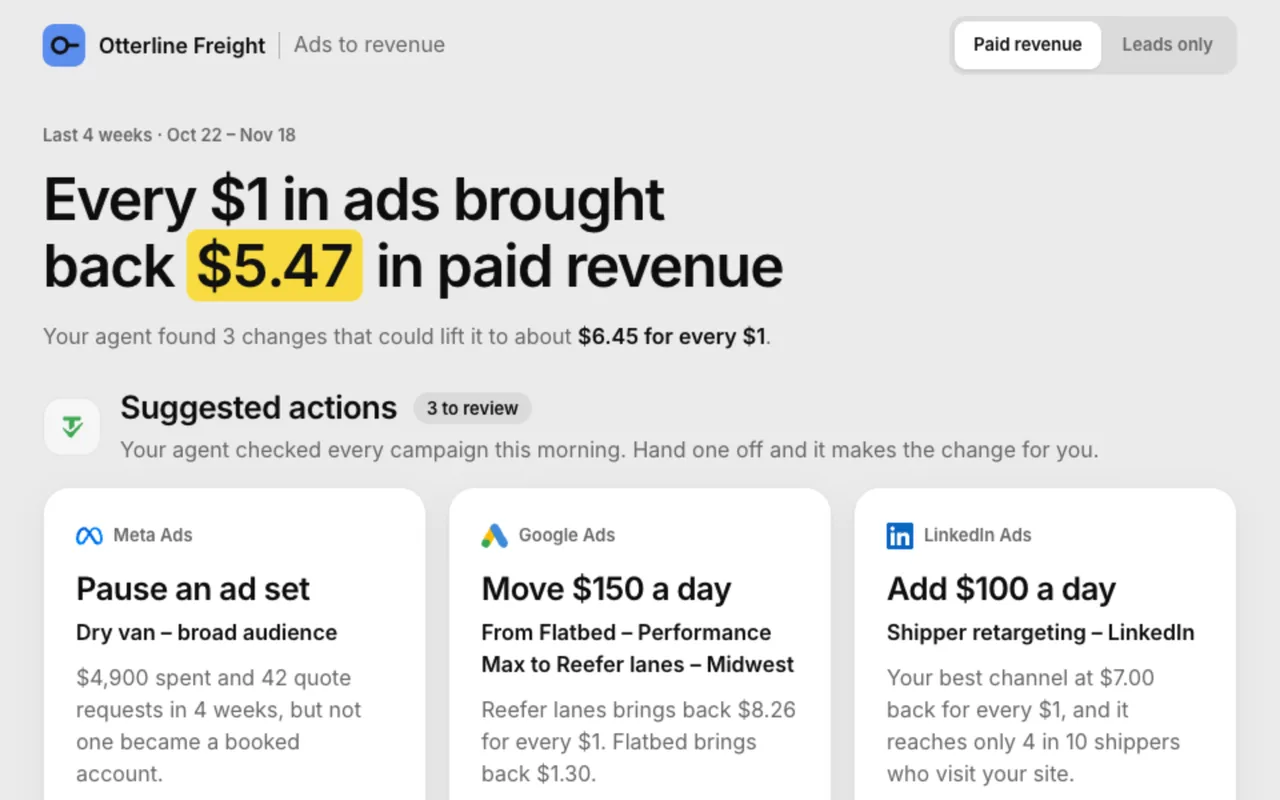
 Nora · Paid Media Specialist
“Build a client dashboard that ties ad spend to revenue and suggests changes.”
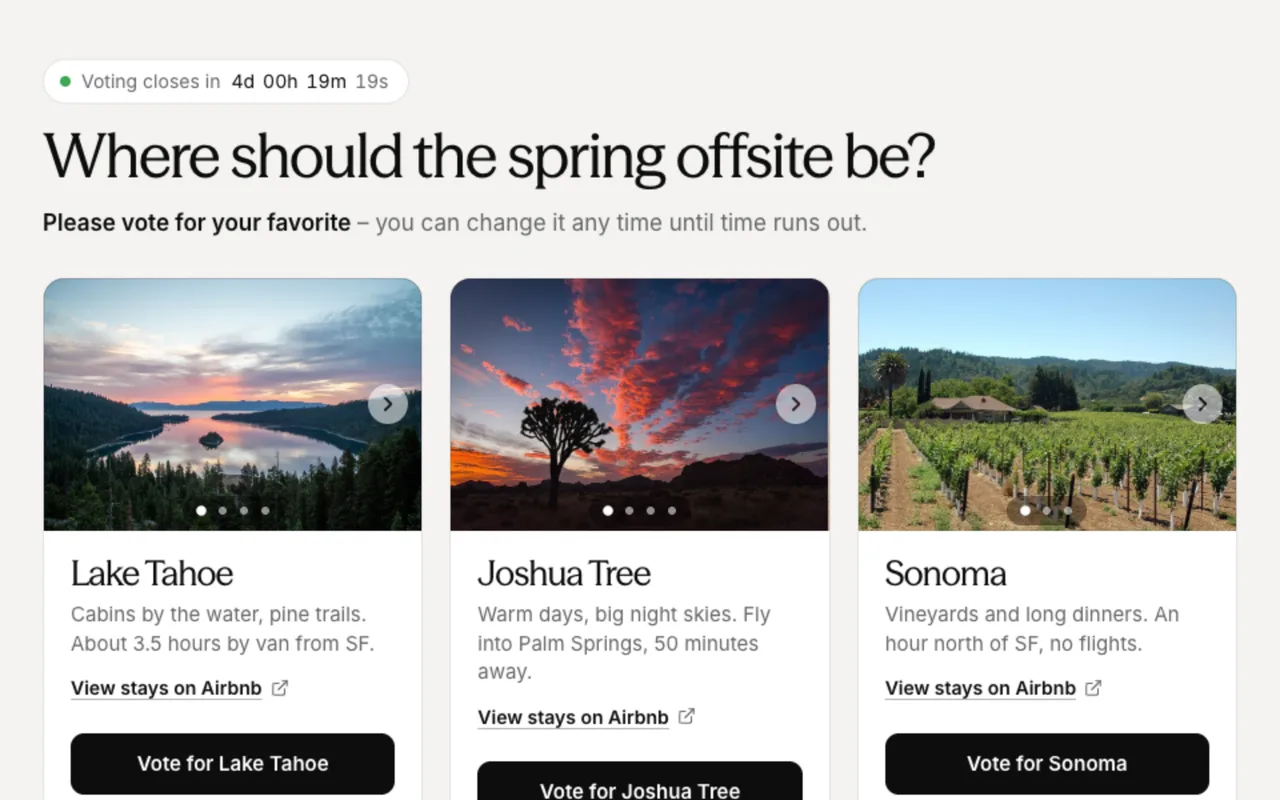
 Iris · Office Manager
“Build a page where the team votes on three offsite locations.”
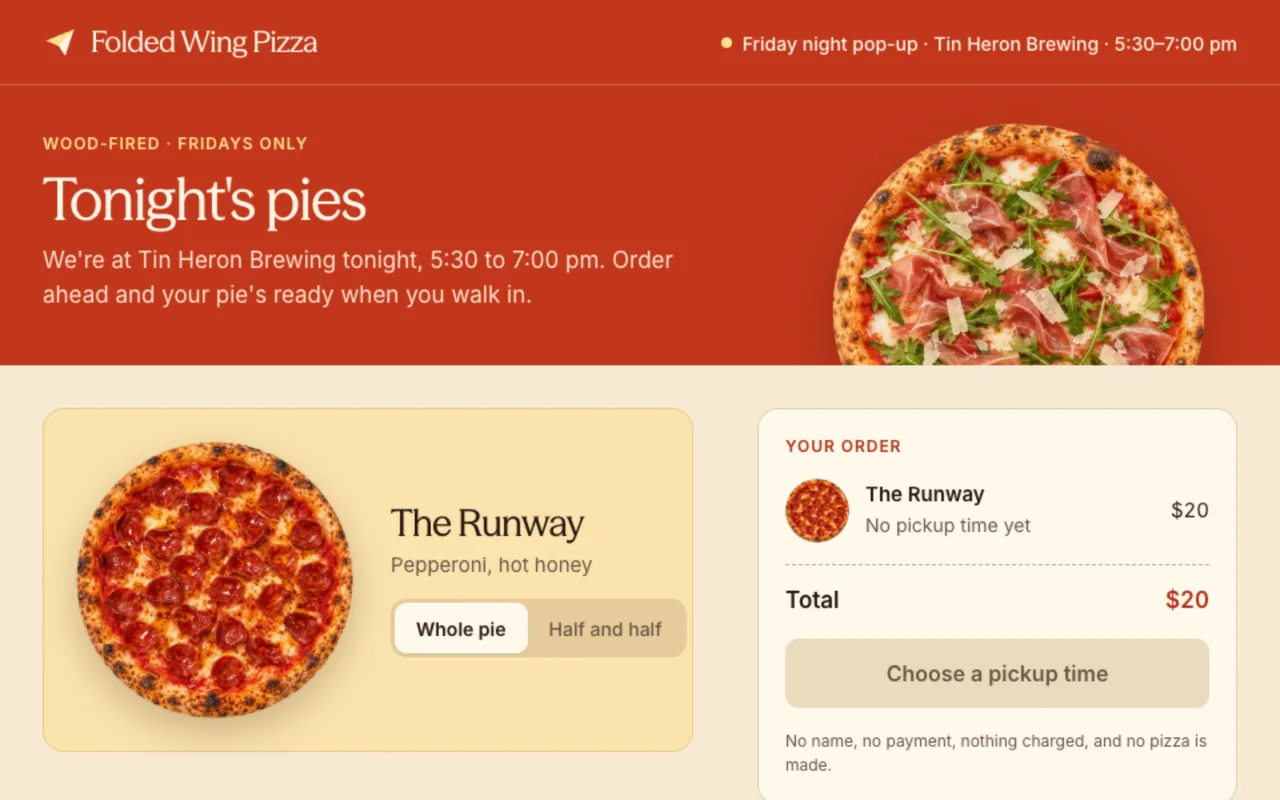

Build exactly what you need
You don’t need another subscription for a dashboard, a client portal or a simple site. Ask your agent. It builds the app, hosts it and keeps it running. There’s no developer to hire and nothing extra to maintain. When your needs change, ask your agent for a change.
Some complex or specialized software is still worth buying. But now you can build many of the business tools you need, instead of paying a lot for generic software that almost fits.
How to share an app
There is nothing to turn on. Every new app your agent builds can be shared.
- Describe what you need. Your agent builds a working app on its own page.
- Click Share and choose who gets it. Pick “Anyone with the link”, invite people at your company one by one, or choose everyone at your company. Someone with a public link does not need a Tasklet account.
- Copy the link and send it. Or ask your agent to share it for you. It can send the link by email, Slack or text.
You stay in control. Until you share an app, only people who can use the agent that built it can open it. The app uses only the connections you give it, and only the tools its agent is approved to use. The Share dialog lists those connections before you send the link.
A public link is long and unguessable, but anyone who has it can open the app. So give a public app only the data you would show to everyone who has the link. People you invite by name must be at your company, and Tasklet signs them in and checks their access before the app opens. You’ll find every app you’ve built under Settings → Apps.
Next time someone says “we need an app,” just ask your agent.
Have feedback or build something cool that you wanna share? We’d love to see it. Drop me a note at tyler@tasklet.ai.